
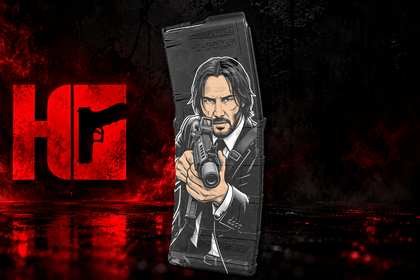
Every file.
Tested clean.
Ready to engrave.
SVG artwork and ready-to-import LightBurn files for PMAG, wallet, and coin designs — every file is run and verified clean before it’s ever made available to the public.
See how it works ↓Completed Projects
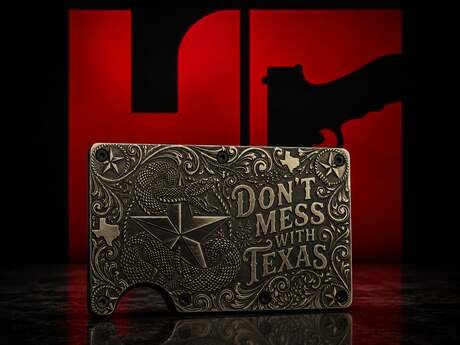
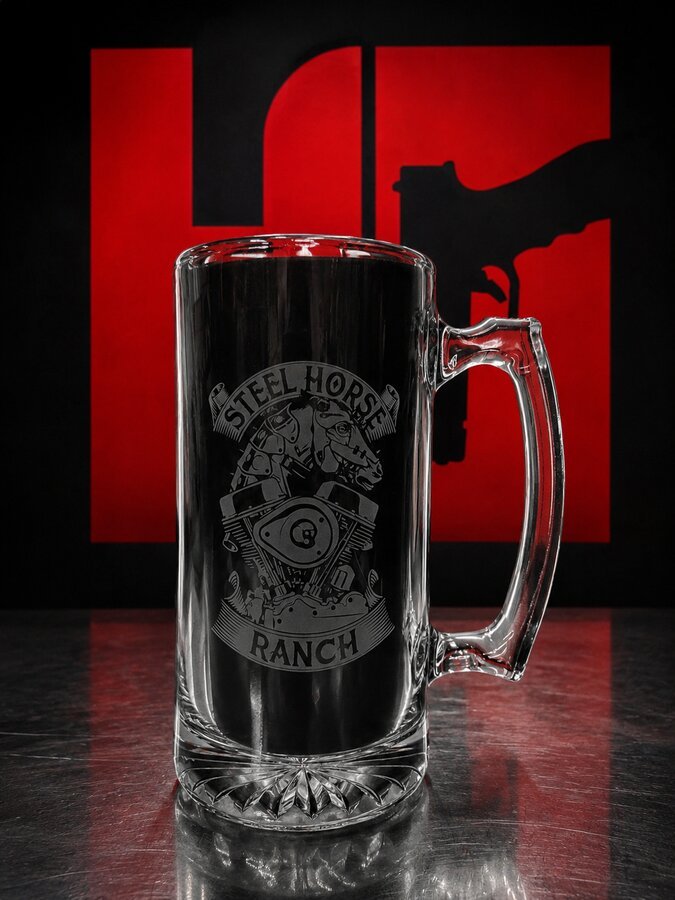
A look at what customers have run with our files — challenge coins, EDC gear, apparel, and more, cut clean the first time.
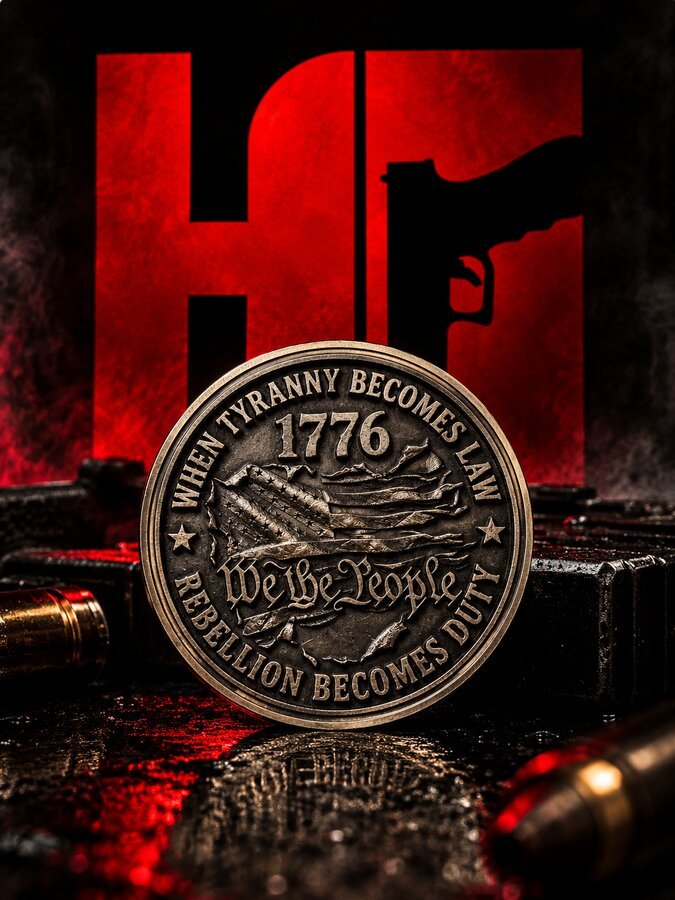
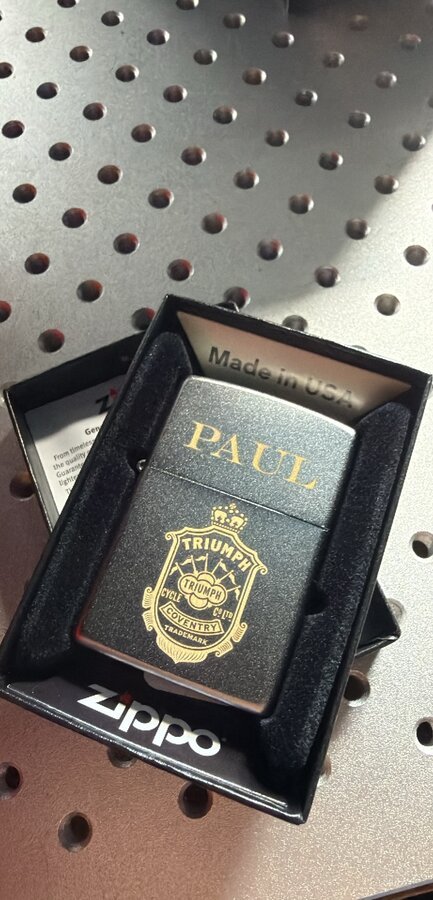
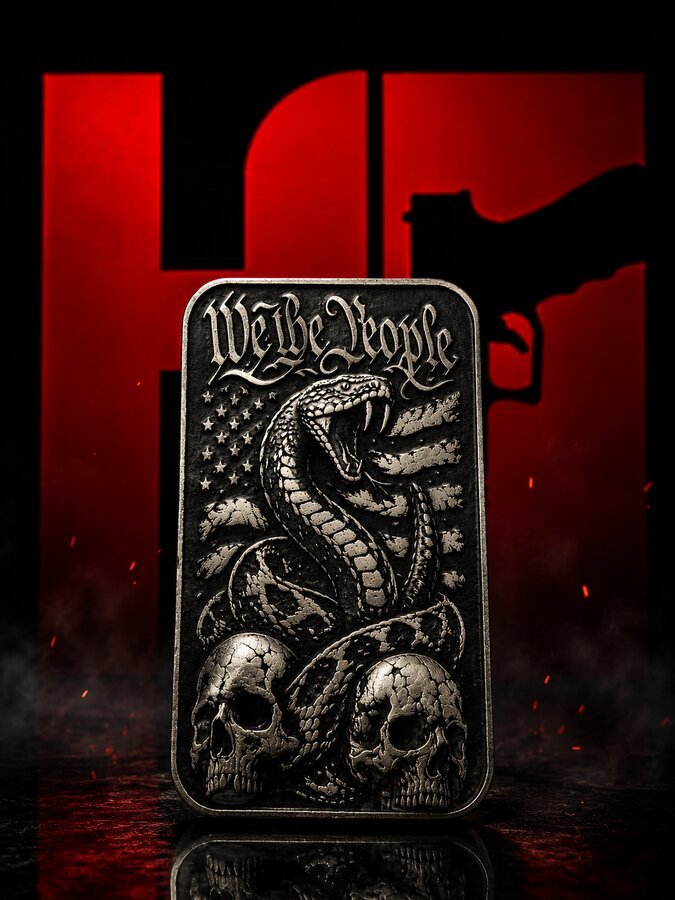
Apparel
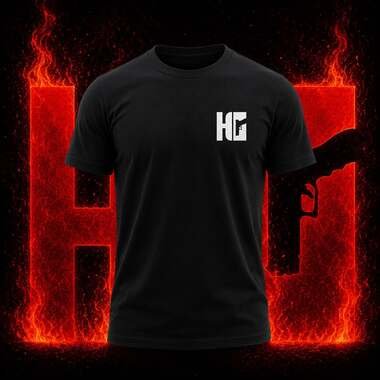
The Holster Geek Shirt — for the ones who carry every day. Front features the Holster Geek “HG” mark; back carries original artwork built for the range, the shop, or the street.
Files, Tested Clean.
Every listing ships as SVG artwork plus a ready-to-import LightBurn project — tested clean before it’s listed. Coin designs come as either a 2D engraving file (SVG + LightBurn) or a 16-bit depth map for 3D relief work; each listing says which.
-
 Holster Geek ShirtPrice range: $30.00 through $36.00
 -
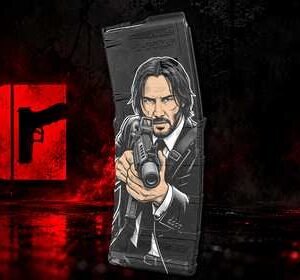 Tactical PMAG Engraving Design$10.00
 -
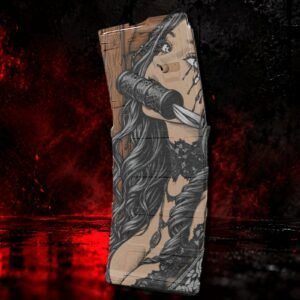 Demon Huntress PMAG Engraving Design$10.00
Every file run and verified before it goes up for sale.
Digital files download the moment you check out. Apparel and physical gear ship to your door.
Fresh PMAG, wallet, and coin designs added on an ongoing basis.
Three Steps. No Wasted Material.
 Every File Is
LightBurn + SVG
Download the File
Get the SVG artwork and LightBurn project instantly after checkout.
Import & Dial In
Open the .LBRN2 in LightBurn and set your own speed, power, and passes for your machine and material.
Cut and Engrave
Run it on your machine. The artwork’s already tested clean, so you’re cutting proven geometry — not guessing at the design.